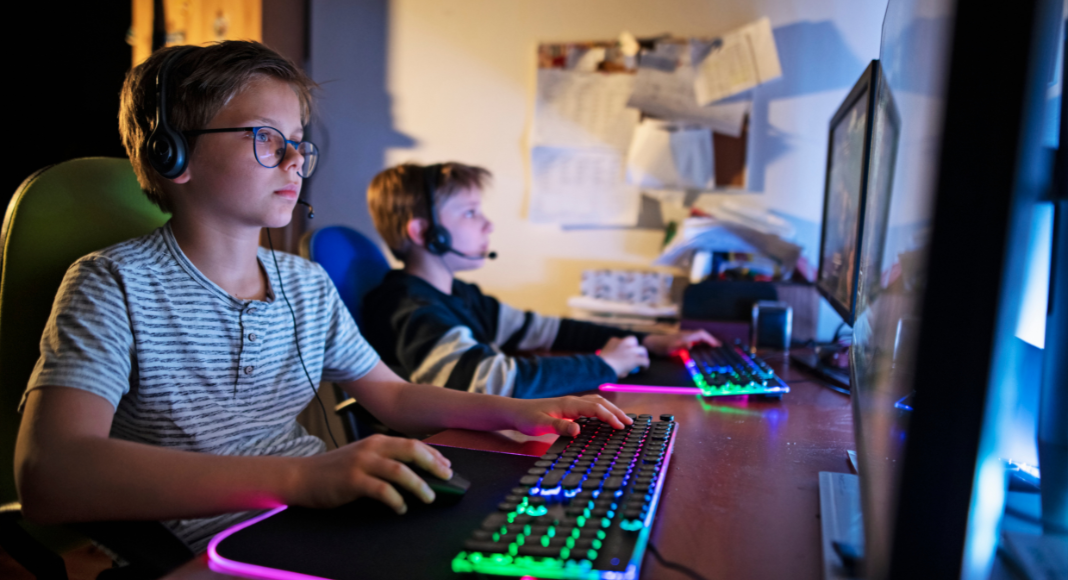
 In our hyper-connected world, children are growing up with access to the entire internet and everything that comes with it. As a parent, you know how important it is to protect them from inappropriate content, predators, and harmful behavior online. But how do you monitor what your child is doing without making them feel spied on or damaging your relationship?
The good news is that monitoring doesn’t have to mean invading their privacy. It’s about creating an open, safe environment where you guide their digital journey while staying aware of what they’re encountering.
Here are practical ways to keep tabs on your child’s online life and teach them to make smart choices along the way.
1. Keep Devices Where You Can See Them
One of the simplest and most effective ways to monitor your child’s activity is to set up shared screen spaces.
- Have kids use phones, tablets, and computers in common areas of the home, not behind closed bedroom doors.
- Avoid letting devices stay in bedrooms overnight.
- Be present when they’re online, and occasionally glance at what they’re doing without hovering.
2. Set Clear Rules and Expectations
From the start, let your child know what you consider appropriate online behavior, and that you will be checking in to help keep them safe. When kids understand the “why” behind your monitoring, they’re more likely to cooperate.
- Explain that you’ll occasionally review their apps, browser history, or friends list, not because you don’t trust them, but because it’s your job to protect them.
- Establish rules for acceptable websites, games, and social media use.
- Agree on screen time limits, tech-free zones (like the dinner table), and what kind of content is off-limits.
3. Use Parental Control Tools Wisely
Technology can be your ally when it comes to keeping an eye on your child’s online world.
- Use parental control apps or settings to block inappropriate websites, restrict downloads, and limit screen time.
- Set up alerts for flagged content or when your child tries to access something restricted.
- On smartphones and tablets, adjust privacy settings and app permissions before handing the device over.
- Monitor activity on game consoles, too. Many have built-in controls and reporting.
4. Stay Familiar with Their Apps and Platforms
It’s hard to guide your child if you don’t understand the platforms they’re using.
- Download and explore the apps, games, and social networks your child uses so you know how they work and what risks they pose.
- Keep up with trends. If a new app becomes popular, learn about it before permitting its use.
- Friend or follow your child’s accounts where appropriate so you can see what they’re sharing and who they interact with. This also gives you the chance to discuss topics like privacy settings, oversharing, and what kind of posts could cause problems later.
5. Check In Regularly, and Talk About What You See
Monitoring isn’t just about watching; it’s also about engaging. When you see what your child is doing, use it to connect and teach.
- Look through their friends lists, followers, and direct messages together and talk about who those people are.
- Review browser history and ask questions about what they’ve been searching or watching.
- Compliment good choices and gently correct questionable ones.
6. Encourage Openness
Ultimately, the best monitoring tool is trust. Kids are more likely to come to you when something feels wrong if they don’t fear being shamed or punished.
- Remind them often that they can talk to you about anything they see online.
- Share stories about your own online experiences to show you understand.
- Practice how to handle tricky situations, like being bullied, seeing scary content, or being contacted by a stranger.